How to prepare enterprise information for Microsoft 365 Copilot
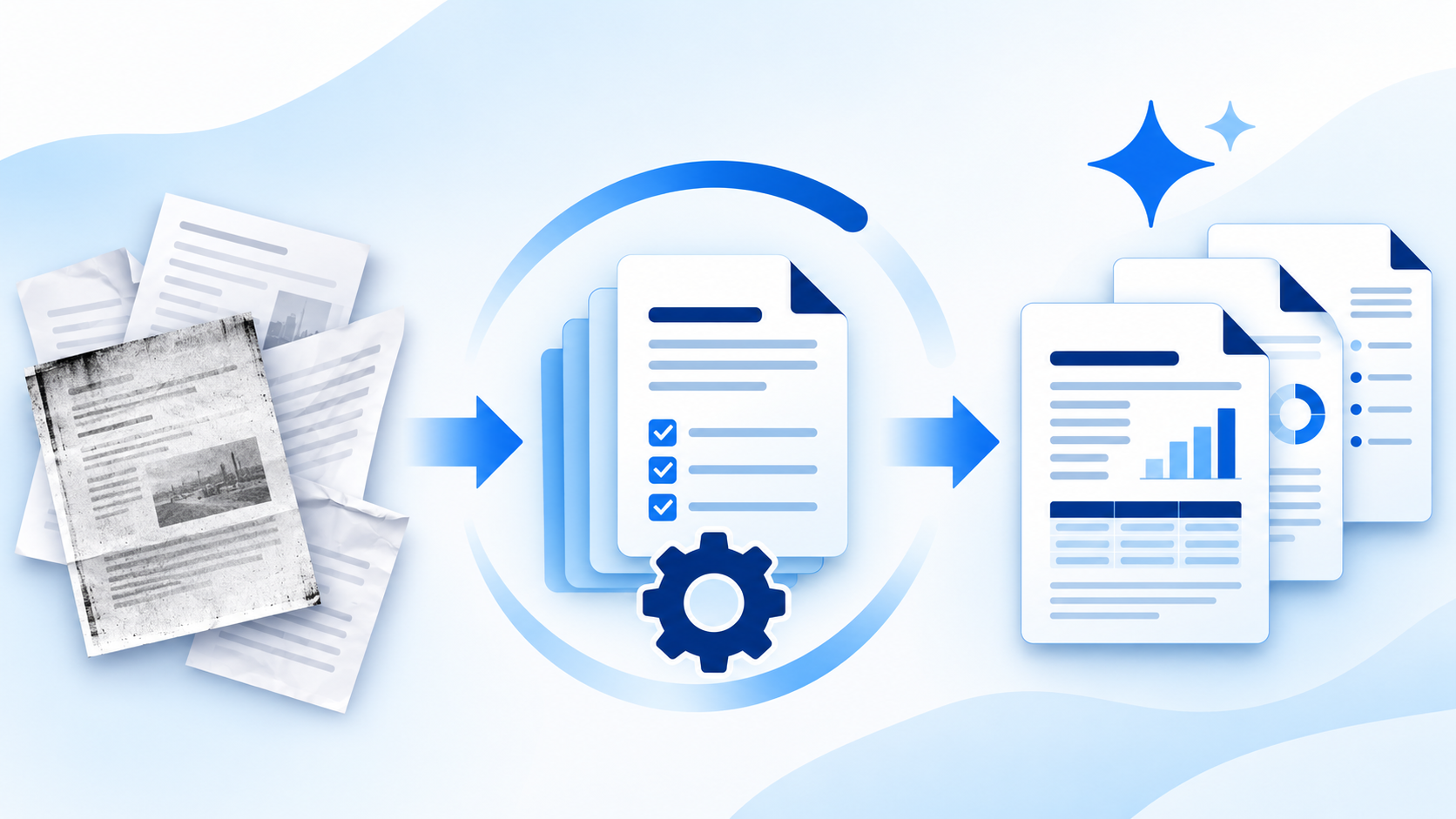
A policy library can look tidy until someone asks Microsoft 365 Copilot a simple question: “What’s our current expenses deadline?” The approved policy might be a scanned PDF, an older copy might be easier to find, and the same folder might contain an appendix that only HR should see. Each problem needs a different fix.
Start with one business task, one pilot group and a set of approved sources. Then check who can access those sources, whether the information can be found and read, and whether Copilot uses the right evidence when answering real questions.
Microsoft explains that Copilot works within existing user permissions. That matters in both directions: granting a Copilot licence does not give someone new access to a restricted file, but content already shared too broadly can become easier to discover. Access also tells you nothing about whether a document is current or approved. Microsoft’s Copilot data protection guidance explains how permissions and discovery controls interact.
1. Define what the pilot should answer
Choose a task with a clear audience and verifiable answers. “Help UK employees find the current expenses rules” gives you a better starting point than “help everyone find everything”. Identify which questions are in scope, who owns the answers and what Copilot should do when the sources do not support an answer.
Ask the policy owner to write a small set of real questions and expected answers before any cleanup. Include a straightforward lookup, a question about an exception and a question outside the approved material. Those same questions become your baseline and your retest.
2. Select the authoritative sources
Start with the SharePoint sites and libraries that contain the approved material for the task. Record the source link, owner, intended audience, approval status and, where relevant, effective date. Ask the business owner to resolve conflicting copies. A recently modified file may be a draft or a copy of an older policy.
Document the sources you intend the pilot to use, then check what the chosen Copilot experience can actually discover. A source list is a planning tool; it does not by itself limit what Microsoft 365 Copilot can reference. Test with the settings and accounts people will actually use.
3. Review who can access the content
Check site membership, inherited permissions, file-level exceptions, sharing links and any access granted to broad groups. Start with content where a mistake would matter most, such as HR, legal, finance and customer records. Ask each owner to confirm who needs the material for their work.
Use ordinary pilot accounts to check access. An administrator’s view can hide problems that will show up for employees. Where controls are in use, test both the authorised and unauthorised roles. Microsoft’s deployment blueprint for addressing oversharing and SharePoint Advanced Management guidance provide a starting point for administrators.
4. Make important documents readable
Sample the files that contain the answers you need. Try to select and search for text in a scanned PDF. Then check whether the extracted wording preserves important details such as dates, currency amounts, table headings and footnotes.
Use optical character recognition (OCR) where needed. For poor scans or complex tables, ask the owner to provide or approve an accessible text version. A file being searchable is a useful check, but you still need to confirm that the critical passage can be found and interpreted correctly. See Microsoft’s overview of OCR in SharePoint.
5. Resolve duplicate and outdated copies
Treat identical duplicates and conflicting versions differently. Identical copies create clutter and can make it harder to tell which link people should use. Conflicting versions can lead to different answers to the same question.
Agree on one approved source, update links that point to copies and handle superseded material according to your records requirements. If older versions must be retained, distinguish them clearly and review where they are discoverable. Then test whether Copilot cites the approved version. A filename such as “Final” is weak evidence of authority.
Related reading: Which version is your AI using? and Accessible does not mean authoritative.
6. Decide what to restrict, exclude or redact
Decide at document and content level. A restricted HR case file might have no place in an employee policy library. A generally useful policy that contains an unnecessary appendix might be better served by an approved employee-facing copy. Keep the full original in the appropriate restricted location when required.
Redaction changes what is in a copy. Permissions determine who can open it. Sensitivity labels and data loss prevention policies can add protections depending on configuration and licensing. Check that a redacted copy does not still expose the removed text through searchable text, comments, metadata or attachments. A black box drawn over a name is not enough. For Microsoft-specific controls, see sensitivity labels in Microsoft 365.
7. Test answers and their sources before expanding
Run the same questions before and after preparation, using the same Copilot experience and representative user roles. Record the answer, the cited source, whether it is approved and current, and whether the source supports the answer. Include questions that should lead to uncertainty or a referral to the policy owner. Do not infer that one successful run proves a control works across all sources.
Agree what counts as a pass before widening the pilot. For example: routine answers match the approved policy, the citation points to the correct version, and a standard employee account cannot retrieve restricted appendix material. Track unresolved failures by type: wrong source, missing text, unexpected exposure or unsupported answer. Give each failure an owner and retest after fixing it.
Related reading: A confident AI answer can still be wrong.
Worked example: Preparing a SharePoint policy library
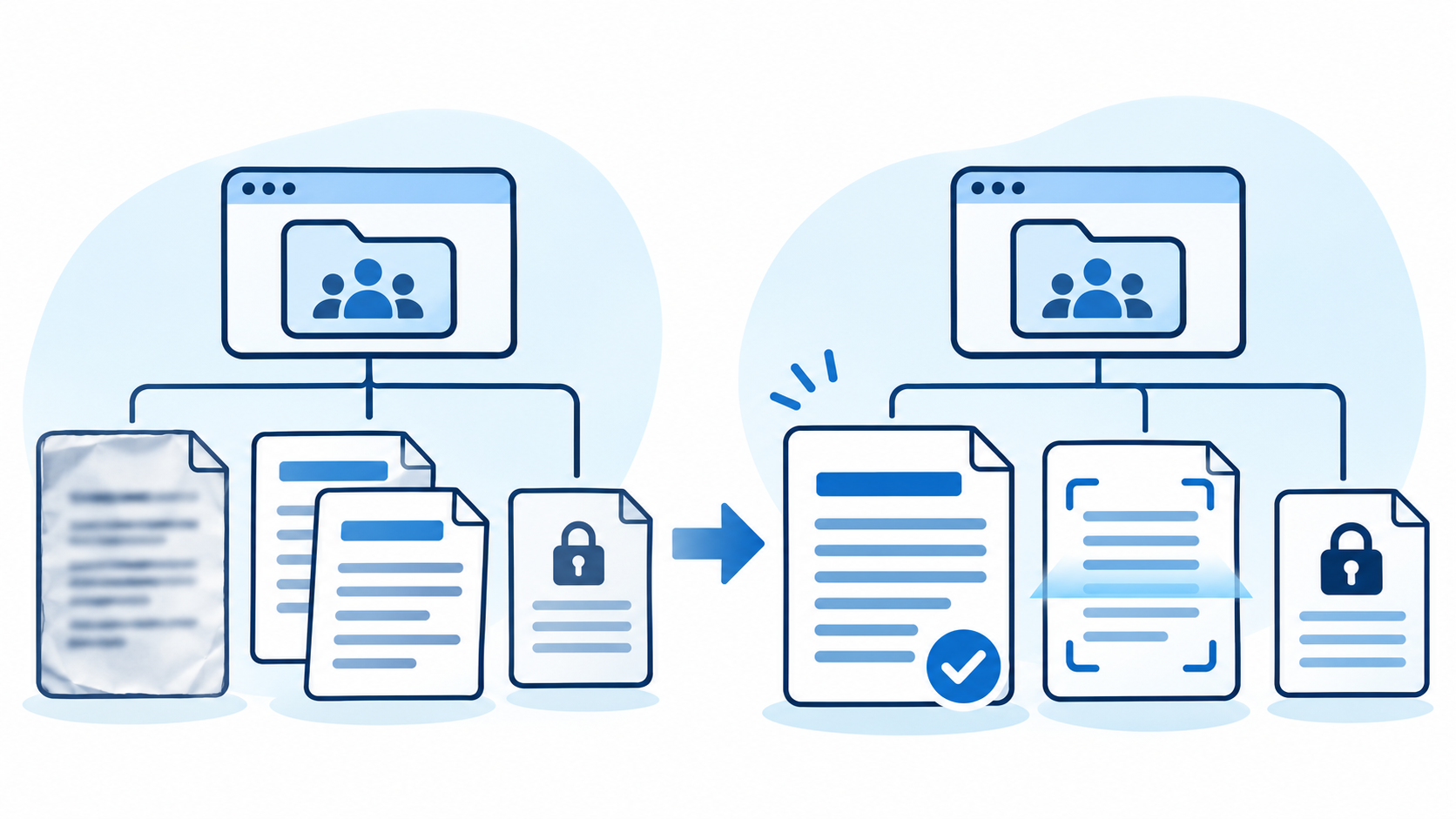
A UK operations team wants Copilot to answer routine expenses questions. Its SharePoint library contains a scanned approved policy, a readable but superseded copy and an HR-only appendix with named examples.
| Finding | Preparation step | What the pilot checks |
|---|---|---|
| The approved policy is an image-only PDF | Apply OCR or publish an owner-approved text version. Check the deadline and exceptions against the original. | Can an employee ask for the submission deadline and get an answer supported by the approved policy? |
| An older policy gives a different deadline | Confirm the authoritative version and handle the old copy under the organisation’s records requirements. | Does Copilot cite the current policy when asked the same question in different ways? |
| The appendix contains named employee examples | Keep the full material restricted and publish only the general guidance needed by employees. | Can an employee get the general guidance without retrieving or seeing the named examples? |
Before expanding, the team also asks a question the policy does not answer: “Can I claim an expense under a rule for another country?” The UK policy should not be treated as evidence for a different jurisdiction. The reviewer checks whether the response makes the limitation clear and points the employee to the appropriate source or owner.
Where AIAssure helps
AIAssure prepares enterprise information before AI uses it. Optimise helps make scanned documents readable and remove duplicate or unnecessary files from the material being prepared. Cleanse helps identify and remove personal and sensitive information from content selected for AI use. Your team still decides which version is authoritative, controls access in Microsoft 365 and validates the answers Copilot produces.
Start with a manageable set of content and measure what changes. Useful measures include how many scans needed remediation, which conflicting copies were resolved, and how often the same pilot questions returned an answer supported by the approved source. For help estimating the effort involved, see The hidden cost of preparing information for AI.
Request a Free Proof of Value on a selected volume of your organisation’s content. Bring one use case and a representative sample, so we can agree what to prepare and how you’ll judge whether the changes are useful.
About the author: Stewart Connors is the founder of AIAssure. His work focuses on helping organisations and AI delivery partners prepare enterprise information for AI, improve information quality and reduce sensitive information exposure risks.
